Getting started
To get started, you'll need to create an account and connect to the SAP system.
Creating an account
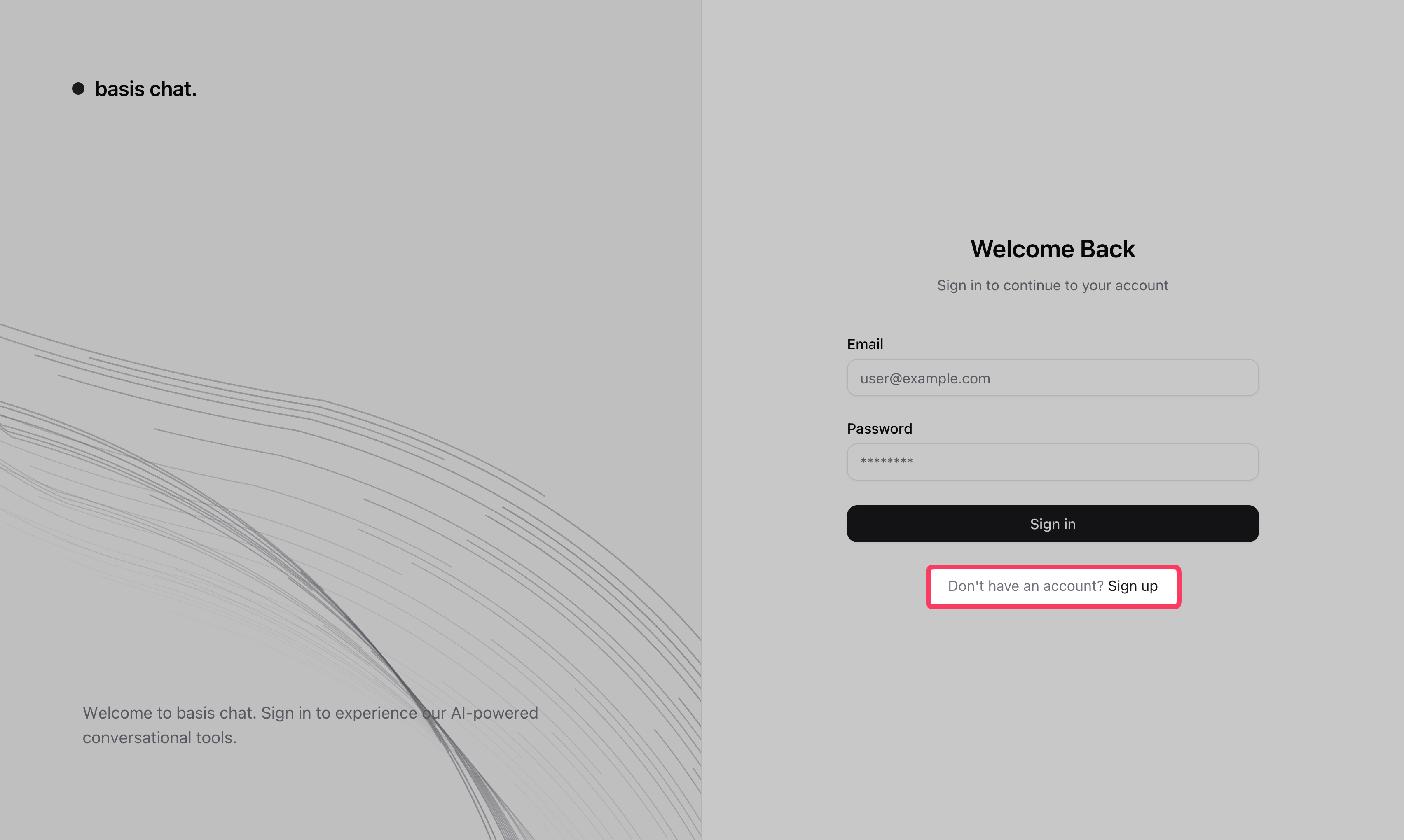
Navigate to the basis chat application in your browser.
Click Sign up to create your account.
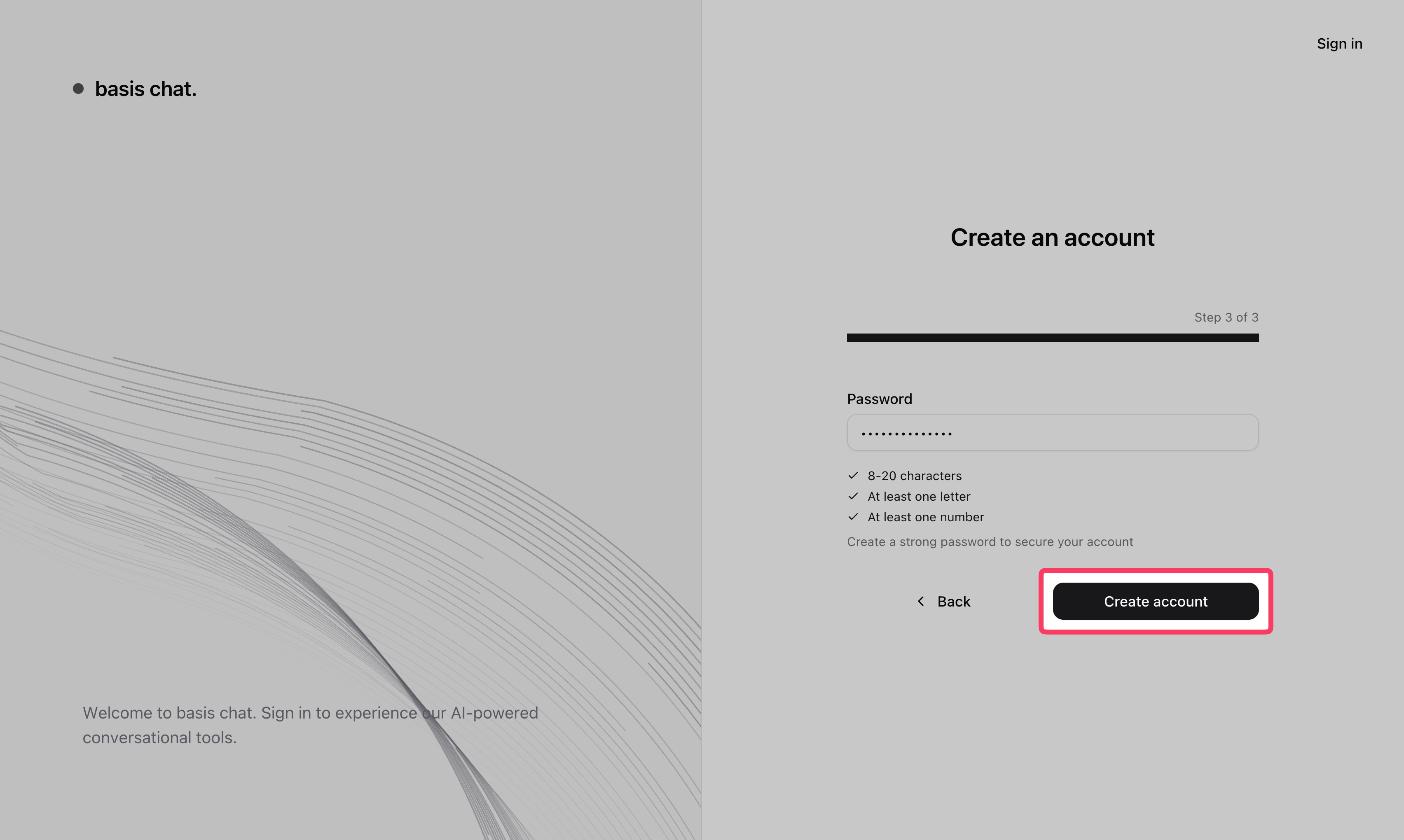
- Enter your email, name and password, then click Create account.
- Once registered, you'll be taken to the main chat screen. For future visits, use Sign in with the same email and password.
Log in to SAP
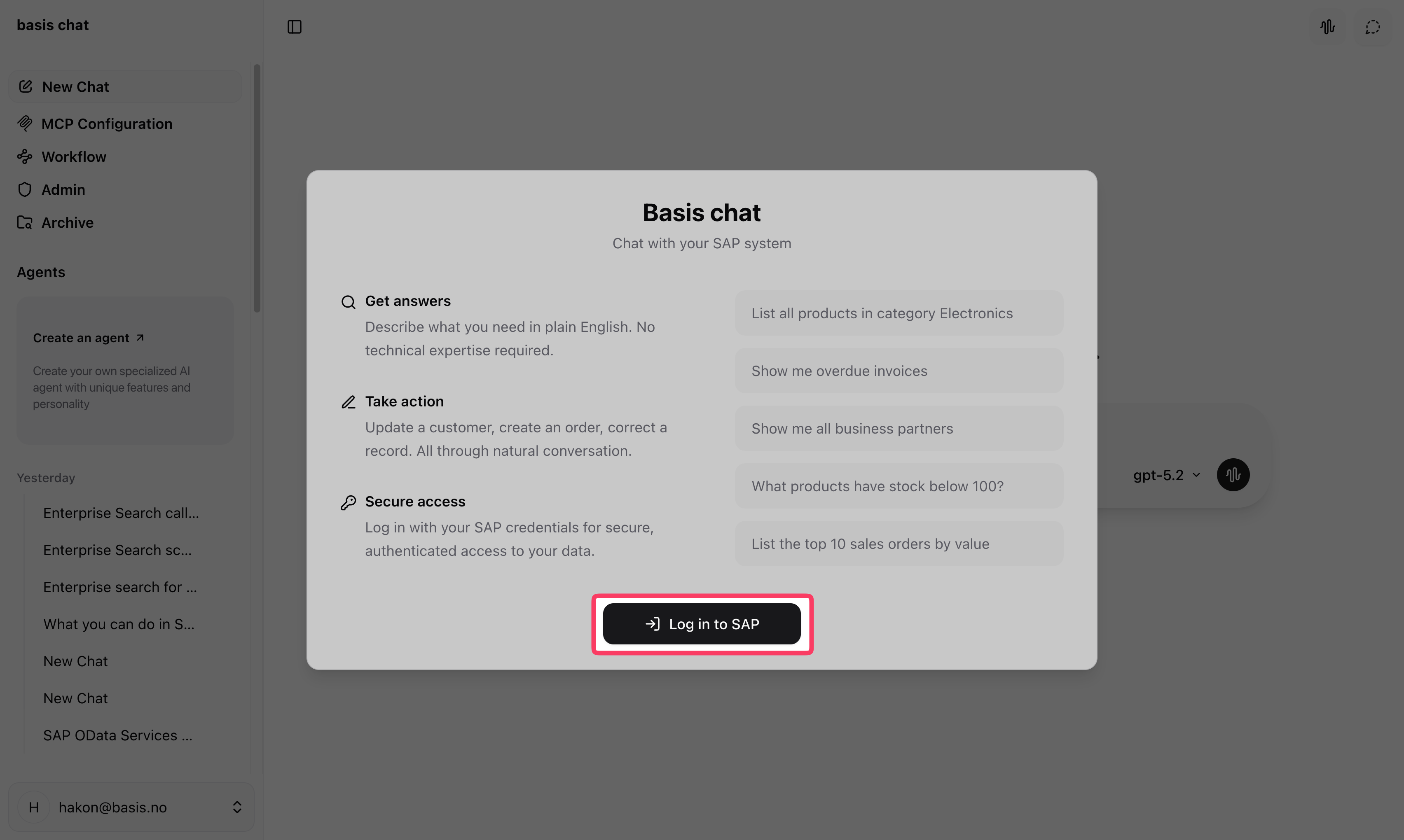
After creating your account, you'll see a welcome screen with a Log in to SAP button. You need to sign in with your SAP credentials before you can start chatting.
- Click Log in to SAP.
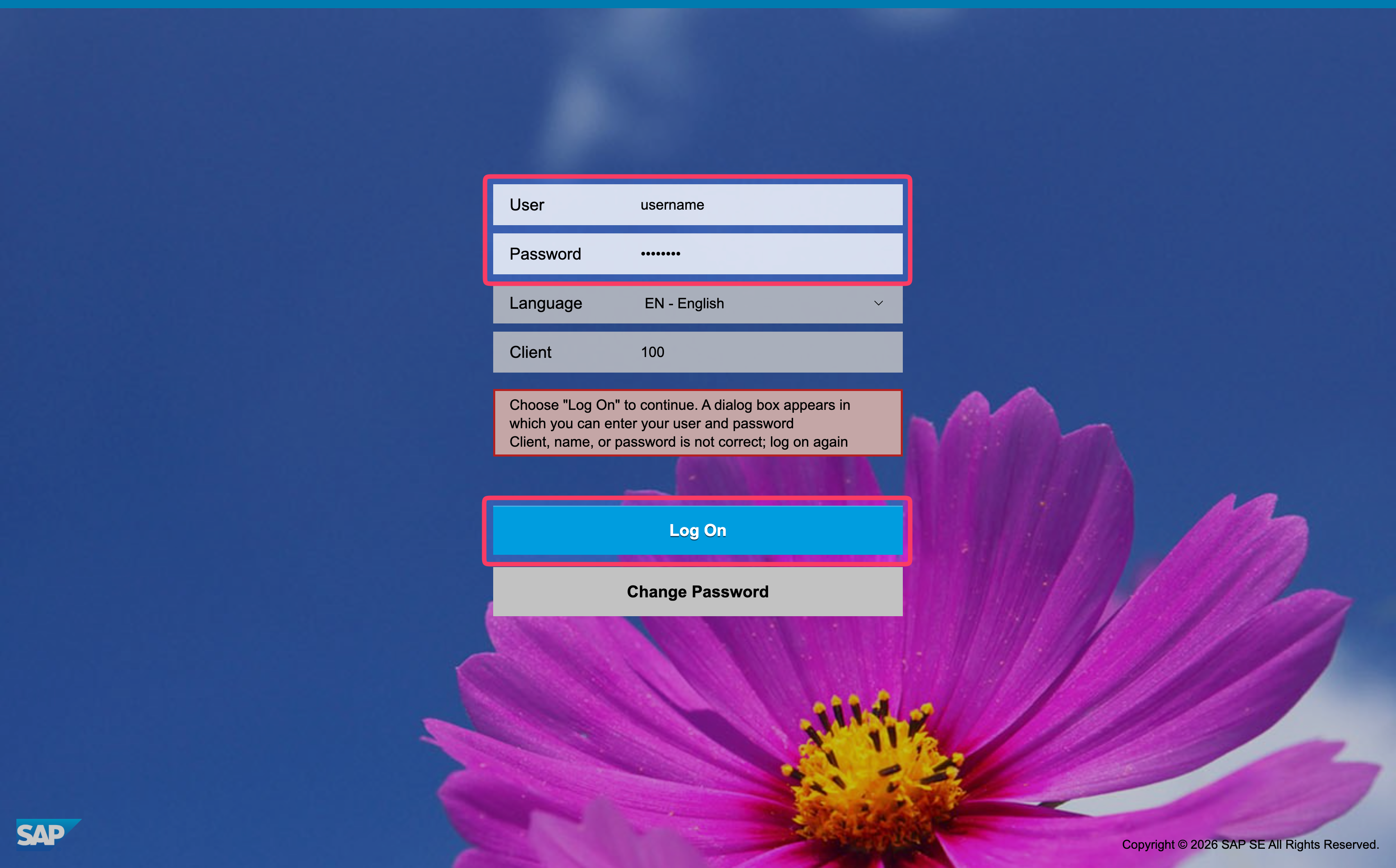
- You'll be redirected to your organization's SAP login page. Enter your SAP username and password and click Log On.
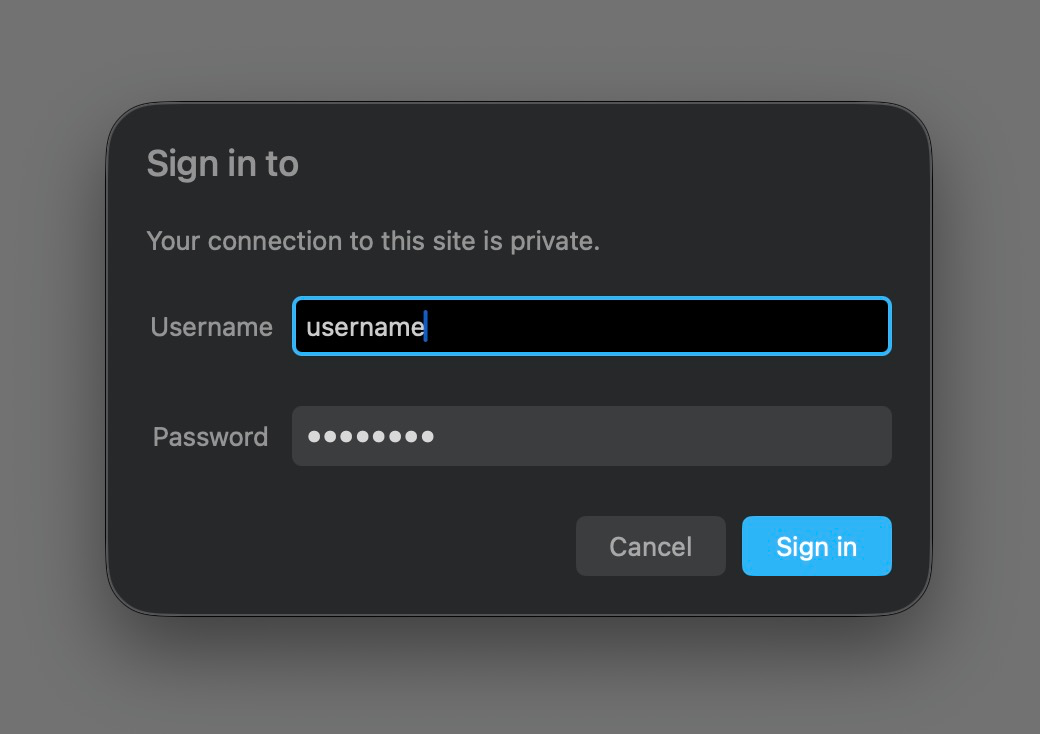
- A dialog will appear asking you to login again. Enter your SAP username and password again and click Sign in.
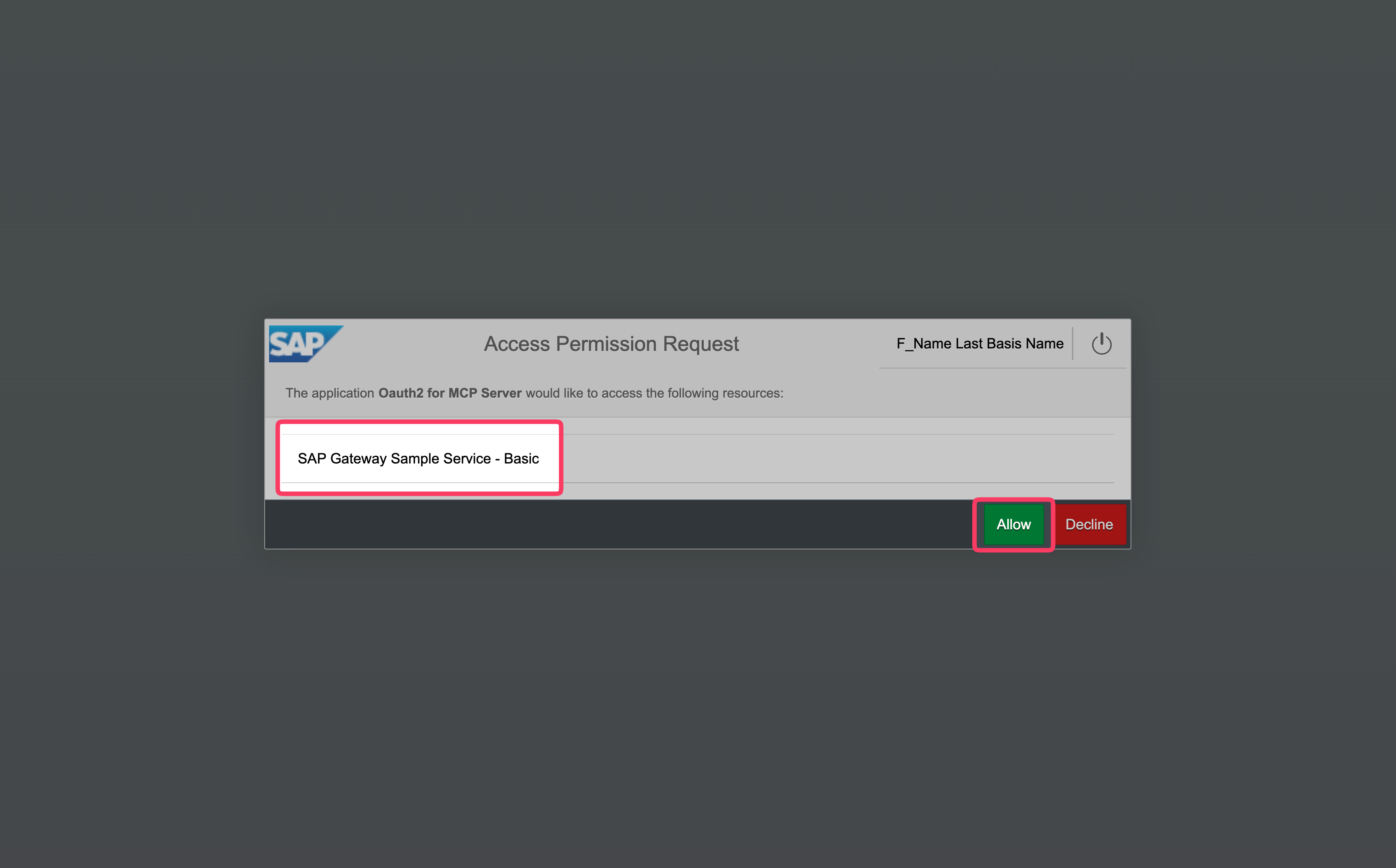
- You'll now see a list of OData services the app is requesting access to. Click Allow to grant access.
- After signing in, you'll be taken to basis chat.
Your SAP session stays active as long as you use the app regularly. If your session expires after a period of inactivity, you'll see the welcome screen again. You can then click Log in to SAP to reconnect.